Tool page · Minecraft
Minecraft Map Art Generator
Plan 128x128 Minecraft map art tiles, map-wall scale, block counts, and material estimates in your browser.
- Game
- Minecraft
- Lane
- Player Utilities
- Search quest
- minecraft map art generator
Native pixel forge
Minecraft map art generator
Convert an uploaded image locally in your browser into a Minecraft-colored pixel preview and material list. Images stay on-device.
Upload an image to convert it into a Minecraft-style block palette preview.
Block preview
Material list · 1024 blocks
Tool overview
What is this?
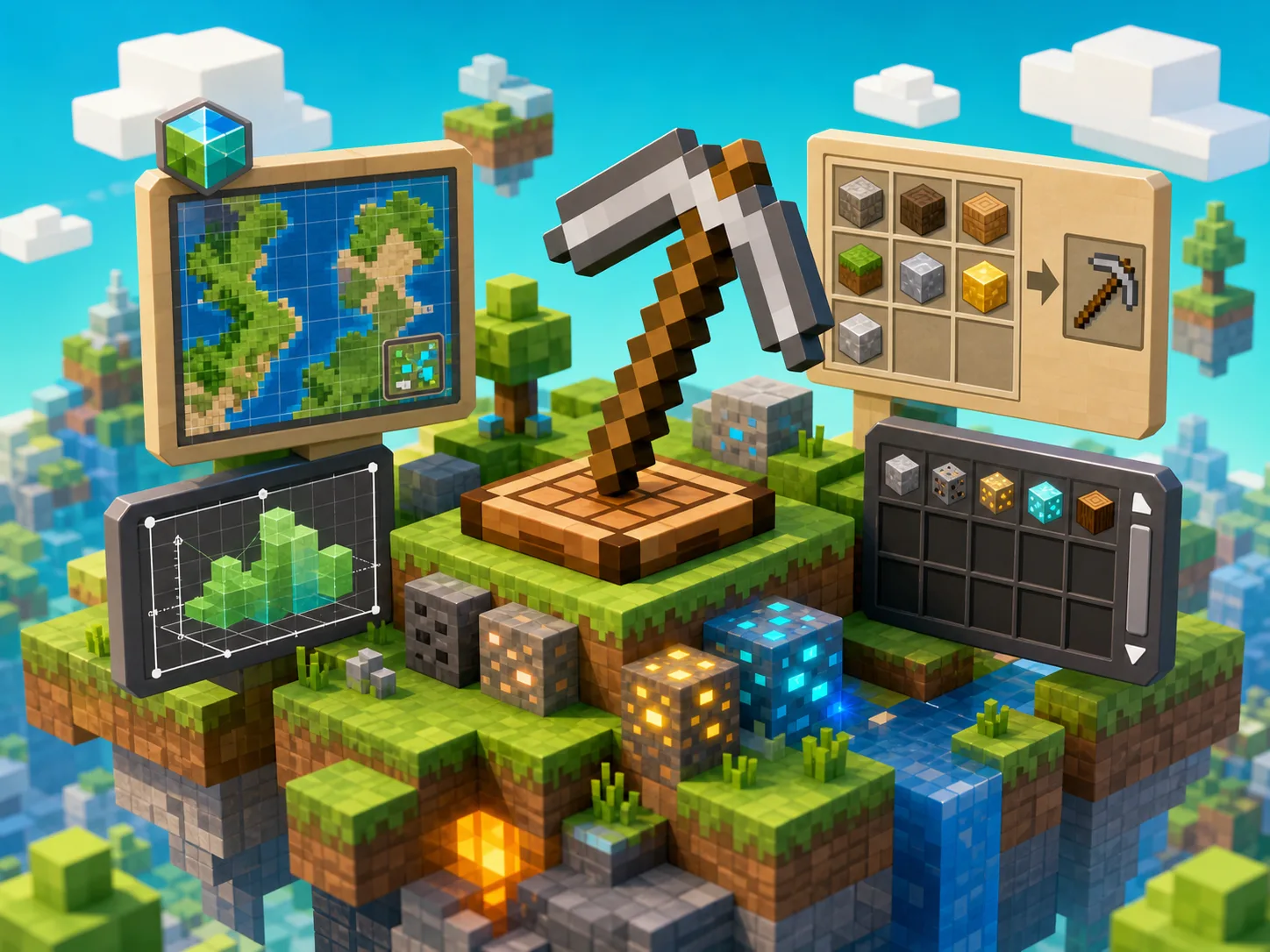
This Minecraft Map Art Generator is the map-specific companion to the Minecraft Pixel Art Generator. It is for players planning 128x128 map tiles, 2x2 map walls, 3x3 map rooms, and flat map-art builds where each map has a fixed tile scale. If you want normal wall pixel art, logos, or image to Minecraft blocks with .mcfunction export, use the Pixel Art Generator instead; if you want map art scale and map count planning, stay on this page.
How to use
- 1Use this page when your target is Minecraft map art, not normal wall pixel art.
- 2Start with a 128x128 map tile mindset: one map is 128 by 128 blocks, 2x2 maps are 256 by 256 blocks, and 3x3 maps are 384 by 384 blocks.
- 3Upload or draft an image preview, then use the block-color material list as a planning estimate.
- 4For wall art with CSV, TXT, PNG, and .mcfunction exports, open the Minecraft Pixel Art Generator.
- 5Use coordinate and seed tools to choose the world location before collecting materials.
Key features
Why players open it
- ✦Positions map art separately from normal wall pixel art so the page targets minecraft map art generator intent clearly.
- ✦Explains the 128x128 map tile boundary and how 1 map, 2x2 maps, and 3x3 maps scale up.
- ✦Uses local browser image processing for previews and material estimates.
- ✦Links directly to Pixel Art Generator for image-to-block exports and .mcfunction output.
- ✦Keeps map room planning connected to Minecraft Seed Map, Coordinate Calculator, and Circle Generator.
Alternatives
Other routes
FAQ
Quick answers
What is the difference between Minecraft map art and pixel art?
Pixel art can be any wall, floor, logo, or image-to-block build. Map art is built around Minecraft map tiles, where one filled map represents a 128x128 block area.
How large is one Minecraft map art tile?
A standard Minecraft map art tile is planned around 128x128 blocks. A 2x2 map wall is 256x256 blocks, and a 3x3 map wall is 384x384 blocks.
Should I use this page for .mcfunction exports?
Use Minecraft Pixel Art Generator for .mcfunction exports. This Map Art page focuses on map-tile positioning and 128x128 planning boundaries.
Is this an official Minecraft tool?
No. GlobalPlay is an independent, unofficial game tools site and is not affiliated with Mojang or Microsoft.
Keep exploring
Related cards
 Pokemon
Player Utilities
Favorite Pokemon Picker
Pick a lightweight favorite Pokémon shortlist for team ideas, challenge prompts, or personal planning.
MinecraftGame Calculators
Minecraft Circle Generator
Generate Minecraft block circles and ellipses on-site with outline, filled, preview, and copyable grid patterns.
MinecraftGame Calculators
Minecraft Coordinate Calculator
Convert Overworld and Nether coordinates, compare route distance, and plan Minecraft travel without leaving Game Tools Hub.